
SWIM TEAM 2026

2026 Season Schedule
Mid/Late March - Registration Opens
Tuesday, May 26 - First Day of Swim Practice
Friday, May 29 - Mock Meet/Time Trials
Tuesday, June 2 - Sequoia @ Seven Hills (Away)
Tuesday, June 9 - Bye Week/No Meet
Tuesday, June 16 - Sequoia @ Cottonwood (Away)
Tuesday, June 23 - Sequoia v. Richland (Home)
Friday, June 26 & Saturday, June 27 - City Meet at Ensworth Natatorium
Saturday, June 27, 5:30pm - End of Season Banquet! Dinner at Sequoia followed by swim team only late night swim!

Spring Egg Hunt! Saturday, 04/04/26

We are accepting applications for Summer 2026 now.

Sequoia Day Camp Summer 2026 Campers will be registered upon completion and receipt of: 2026 Sequoia Day Camp Registration -Private Member's Only registration begins 01/01/26 -Non-member registration begins 01/16/26 SESSION 2 IS SOLD OUT 2026 Sequoia Day Camp Health History Form (Required before beginning the first day of camp) (will be emailed with registration confirmation) 2026 Waiver Form (Required before beginning the first day of camp) (will be emailed with registration confirmation) Payment of Session Fee (Venmo - @SequoiaTennis-Kim Sheridan-3632) Registrations will not be confirmed until full payment has been received.
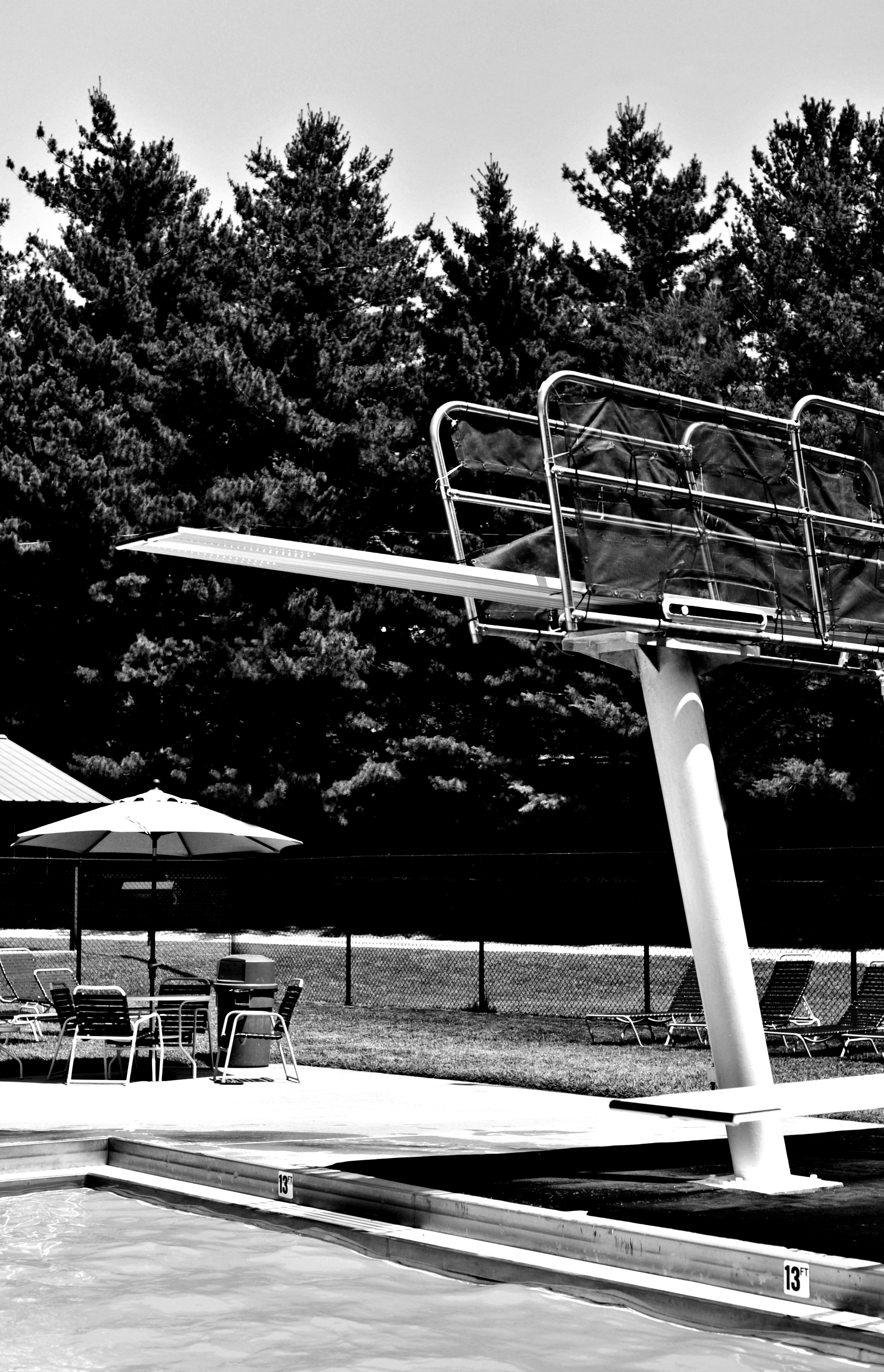
Sequoia Club Dive Team Summer 2026

Board Members... Join us for our monthly board meeting held at Sequoia at 6:00 p.m. on Monday, 04/13/26 If you are unable to attend, let us know so we can plan for a quorum and dinner. RSVP to Jodi Ervin at accounting@sequoiaclub.net

Part of the fun and wonderful memories made at Sequoia involve bringing friends and family to the club who are not Sequoia members. We welcome guests, and are happy for our members to bring friends and extended family to the club as often as they like.

Once logged into your personal member account, you will see a new link in the list (to the left of your name) called "Tennis Schedule (View Only)". Clicking on this link will take you to the tennis court calendar where you will be able to view all completed bookings. You can use the drop-down list to toggle back and forth between Indoor and Outdoor bookings. You will also notice a link that says "Reserve a Court" at the top left of this page. This link is not where you will book your court. Please do not try to use this link. If you do you will notice it does not have all of the functions needed to complete a full reservation. Instead, click on the link to the left of the page under "Tennis Schedule (View Only)" that you have already been using, "Book Courts Here". This is the only link to use to book a court.